
















Mobile vs. Desktop: Optimising the Use of TradingView

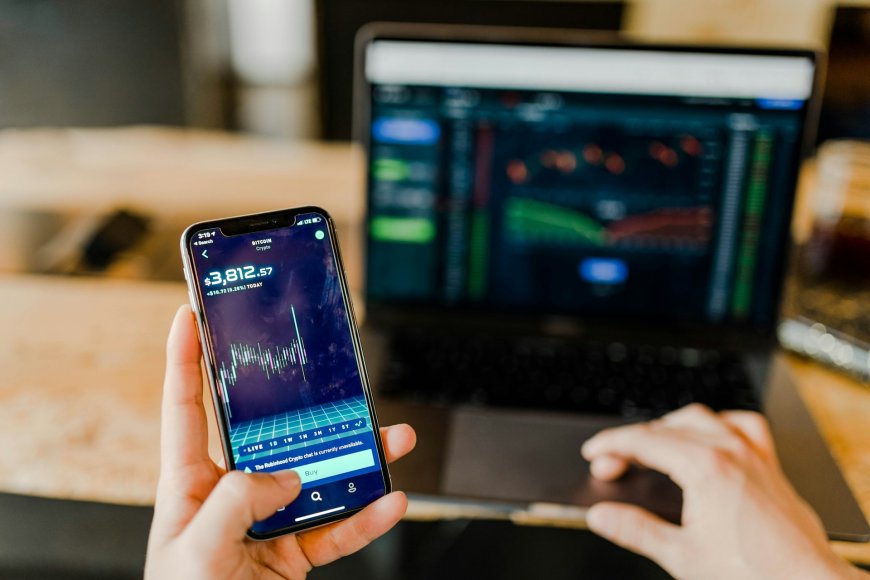
Before smartphones and laptops became popular, many traders spent a lot of time monitoring their online traders while stuck in front of their computers. Besides, its an essential part of being a trader, whether youre a beginner or a professional.
So, if youre planning to use TradingView for your future trading journey, you should be aware that you can use it in desktop and mobile versions. So, compared to the old times, you can now trade from the comfort of your home using your computer or laptop, or stay updated with your trades and the latest market news.
In this article, well discuss the differences between the mobile app and desktop version of TradingView.
Interface and Usability
Desktop: Precision Trading Experience
The desktop version of TradingView offers a lot of features that assist traders who rely on:
-
Advanced drawing tools
-
Indicators and custom scripts
-
Advanced drawing tools
-
Shortcuts for keyboards
Additionally, although this version is considered a web version, you wont be able to access it on your regular browsers. So, it has a way of ensuring that the traders wont have any problems with the other tabs, since theyre using the special browser.
Mobile: Built for Convenience
In the mobile version of TradingView, the main focus is on the alerts, monitoring, and continuous checking of updates. While its not as in-depth as the desktop version when it comes to its capabilities, the mobile version includes various features, such as:
-
Basic drawing tools
-
Real-time chart updates
-
Quotations
-
Access to watchlists, chart templates, and layouts
-
Able to switch in timeframes
-
Adjust fonts, colours, and other visual elements

Performance and Speed
Desktop: Faster, Smarter, More Responsive
If a trader is using a reliable desktop or laptop and has a fast internet connection, they can experience smooth charting, fast loading times, and a stable trading experience with the desktop version. You can even access more than 50 drawing tools, a hundred indicators, and dozens of chart types.
In addition, since the desktop version is the most used, it can handle complex tasks without lagging. However, dont forget to consider the network and the device youre using once you encounter some problems.
Mobile: Designed for On-the-Go Use
As mentioned, staying in front of the computer for hours isnt possible, especially if youre not a full-time trader. The mobile version of TradingView is optimised for mobile use, but traders may still encounter some downtime. Although its not always the case, its best if you can invest in a high-end mobile device thats compatible with the app.
However, if youre solely using it for checking updates and making small changes, you can rely on it all the time.
Features Comparison
Chart Customisation
-
Desktop: You can rely on full access to customising various charts
-
Mobile: Limited access, but you can still do some minor edits
Multiple Chart View
-
Desktop: Yes
-
Mobile: No
Ease of Use
-
Desktop: Yes, but only if youre staying in one place
-
Mobile: Yes, you can access your trades while on the move
Automatic Restore Function
-
Desktop: No. You need to look for the specific tab you want to access once the software restarts.
-
Mobile: Yes, the app allows you to access where you left off
Which One Should You Use?
Use the Desktop version if:
-
You often use multiple charts while trading
-
Youre backtesting your trading strategies or doing technical analysis
-
You prefer using a mouse and keyboard, instead of touching the screen when navigating trades
Its best to use the desktop version if youre executing trades because theres little possibility of error, and you can precisely choose the things you prefer to do, which rushing or being nervous about making a mistake.

Use the Mobile version if:
-
You often go to various places, or away from your desk
-
You often check your trades or the market updates
-
You want to stay updated about the latest news
So, if you opt to use the mobile version of TradingView, its recommended to turn on the notifications, so that even if youre not checking your phone, youll get notified about your trades and the latest news. You can get notifications from email, push notifications, and other accounts.
The Best Strategy
The best strategy is to use both desktop and mobile versions. You can use the desktop version if youre at home, while using the mobile version if youre away from your computer or not at your house. Besides, knowing the two versions, and if you know how to use them seamlessly, you can have a better trading experience.
Final Thoughts
Whether you prefer to use one over the other, knowing the differences and the best time to use the mobile and desktop versions of TradingView is essential. Keep in mind that theres always a way to stay updated your the latest trading news or the status of your trades.
Have you tried using the two versions? Which one do you prefer? Let us know by commenting below!
ABOUT THE AUTHOR
Aliana Baraquio has over 5 years of experience as a writer and market analyst. She specialises in developing beginner-friendly trading techniques and tutorials. Additionally, she suggests FP Markets as the top broker for trading CFDs and Forex.